




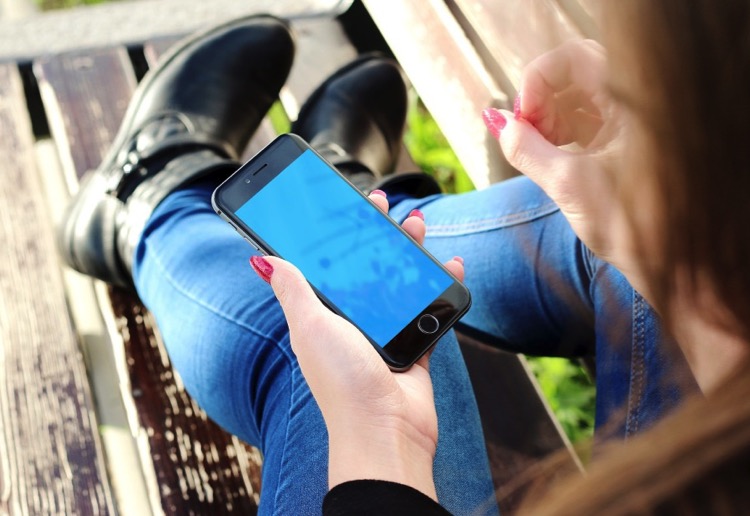
Ever find yourself squinting at the screen trying to decipher the tiny text on your smartphone?
Or do you always need to whip out your reading glasses to properly view the contents of your iPad?
Well, there’s a solution, and it exists for both Apple and Android devices: enlarging your text. This feature allows you to increase the font size of the text on your device across all apps and screens, making it easier to read. Find out how to enable it on your device below!
Apple devices:
- Go to your Settings app
- Tap on “General”
- Tap on “Accessibility”
- Tap on “Larger Text”
- Drag the slider on the screen to the right to enlarge the text, or to the left to reduce the text size
- For even larger options, tap on the button to the right of “Larger Accessibility Sizes”. The slider will now have a larger range of text sizes. Drag the slider left or right according to your preferences.
Android devices:
- Tap on Apps
- Go to Settings
- Tap on “Display”
- Tap on “Font Size”
- Choose between the different available sizes: small, normal, large and huge.
Have your struggled to read the text on your smartphone? Share with us below.
















-

-
-
mom268263 said
- 31 Oct 2020
-

-
-
mom81879, TAS said
- 09 Jan 2017
-

-
-
coastalkaryn, SA said
- 09 Jan 2017
-

-
-
mom117465, NSW said
- 07 Jan 2017
-

-
-
mom93821, ACT said
- 02 Jan 2017
-

-
-
ozstarlett, NSW said
- 01 Jan 2017
-

-
-
neenee, VIC said
- 01 Jan 2017
-

-
-
mom172741, SA said
- 27 Dec 2016
-

-
-
taynik46, QLD said
- 17 Dec 2016
-

-
-
country chick, SA said
- 05 Dec 2016
-

-
-
mom70876, NSW said
- 29 Nov 2016
-

-
-
hopefullyheidi, VIC said
- 27 Nov 2016
-

-
-
mom134803, QLD said
- 18 Nov 2016

-

-
-
mom90758, WA said
- 16 Nov 2016
-

-
-
mom112217, VIC said
- 16 Nov 2016
Post a comment5:50 pm
8:17 pm
-

-
-
ReadyTechGo replied
- 09 Jan 2017 , 8:30 pm
Reply1:13 pm
11:07 am
8:39 pm
9:56 am
9:23 am
4:33 pm
3:51 pm
7:56 am
7:55 pm
5:24 pm
7:20 am
7:43 pm
5:36 pm
To post a review/comment please join us or login so we can allocate your points.